
Small models run where large models cannot.
A model that requires a rack of accelerators cannot run in a clinic, a warehouse office, a shipping agent’s back room, or a government department that is not permitted to send data outside the building. REX42 runs on the hardware those places already own.
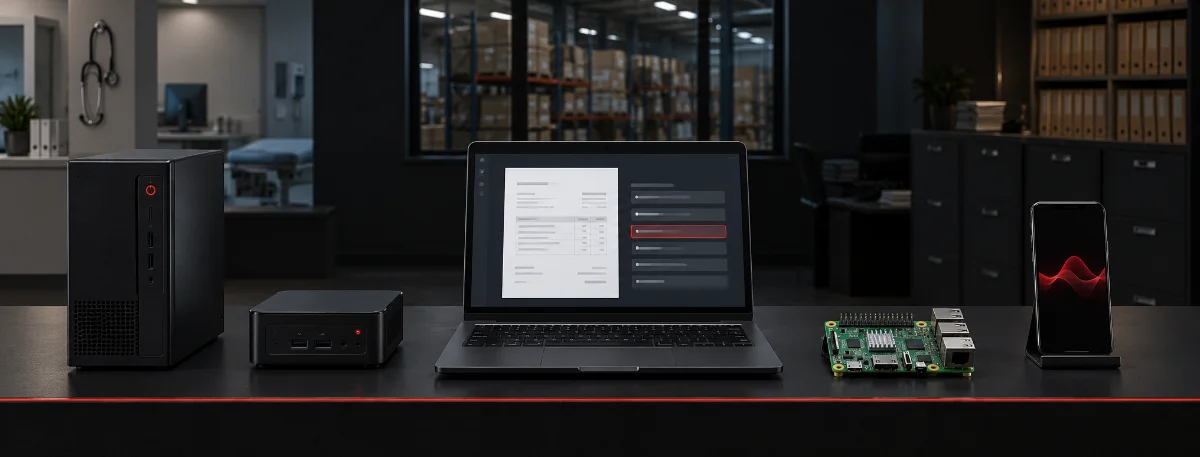
Same weights, same behaviour — only the location changes.
In all three cases there is no outbound call path at inference time. The deployment mode is an operational decision, not a privacy trade-off.
Tested, with honest expectations for each.
Where a device needs 4-bit quantisation to fit, the table says so. Where it will not work at all, the table says that too.
| Device | Runs it? | Expected speed |
|---|---|---|
| Any VPS / cloud server (2 GB+) | Yes | Good |
| Mini PC (Intel NUC, N100 box) | Yes | Good |
| Laptop / desktop, any modern CPU | Yes | Fast |
| Raspberry Pi 5 (4 or 8 GB) | Yes, 4-bit | Usable — a short answer in a few seconds |
| Raspberry Pi 4 (4 GB) | Yes, 4-bit | Slow but works |
| NVIDIA Jetson Orin Nano | Yes, GPU | Fast |
| Android phone, 6 GB+ RAM | Yes, 4-bit | Usable |
| iPhone 12 and newer | Yes, 4-bit | Usable |
| In the browser (WebAssembly / WebGPU) | Yes | ~200 MB download first |
| Microcontrollers (ESP32, Arduino) | No | Nowhere near |
Three deployments, one set of weights
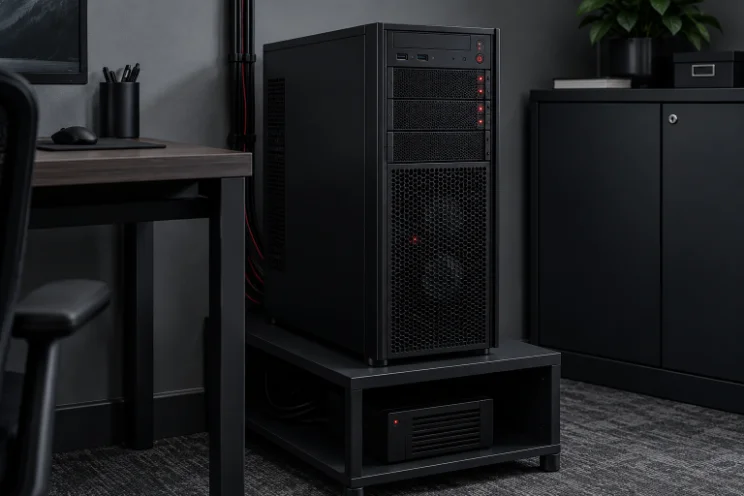


The model runs on your server, not the visitor’s device.
If you are putting REX42 behind a public-facing product, these are the sizing bands we use.
| Users | Server | Cost |
|---|---|---|
| Demo / light use | 2 vCPU, 4 GB RAM, no GPU | ~$20 / month |
| Steady business use | 4–8 vCPU, 8 GB RAM | ~$40–80 / month |
| Heavy or fast replies | 1 × T4 or L4 GPU | ~$0.35–0.50 / hour |
For in-device deployments this table does not apply at all — there is no server, and the marginal cost of an additional user is zero.
It behaves like any other internal service.
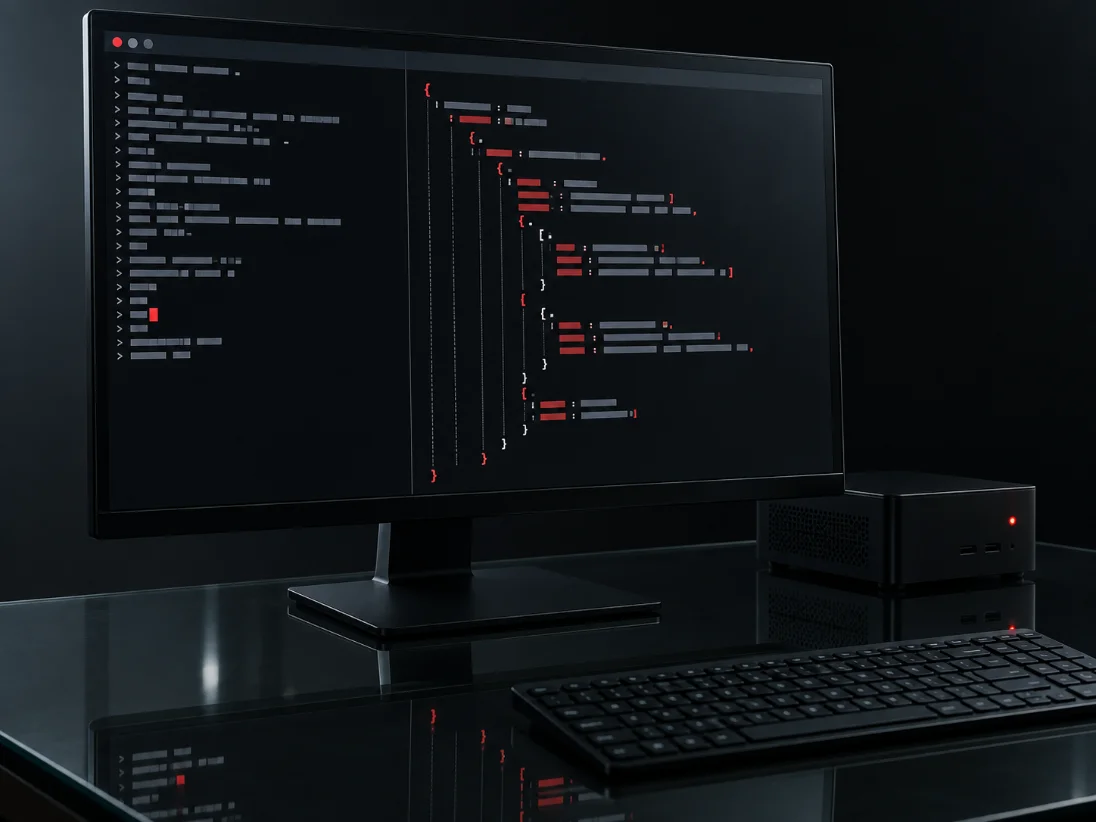
REX42 exposes a local REST and queue interface. Your ERP, CRM, DMS or file share talks to it the same way it talks to anything else on the network.
{
  "task": "invoice",
  "file": "base64:JVBERi0xLjQK...",
  "fields": ["supplier", "total", "vat", "date"]
}
{
  "supplier": "Gulf Marine Services LLC",
  "total": 18450.00,
  "vat": 878.57,
  "date": "2026-08-14",
  "confidence": 0.94,
  "unreadable": []
}
It behaves like any other internal service.
A local REST and queue interface on your own network, returning JSON against a schema you define. Your ERP, CRM, DMS or file share talks to it exactly the way it talks to anything else.
Two to six weeks, depending on data readiness.
You can run it yourself from day one. The licence is perpetual and the system keeps working if the contract ends — that is a deliberate property of the architecture, not a commercial gesture.
Tell us the hardware you have.
We will size the deployment against your real volumes before you buy anything.